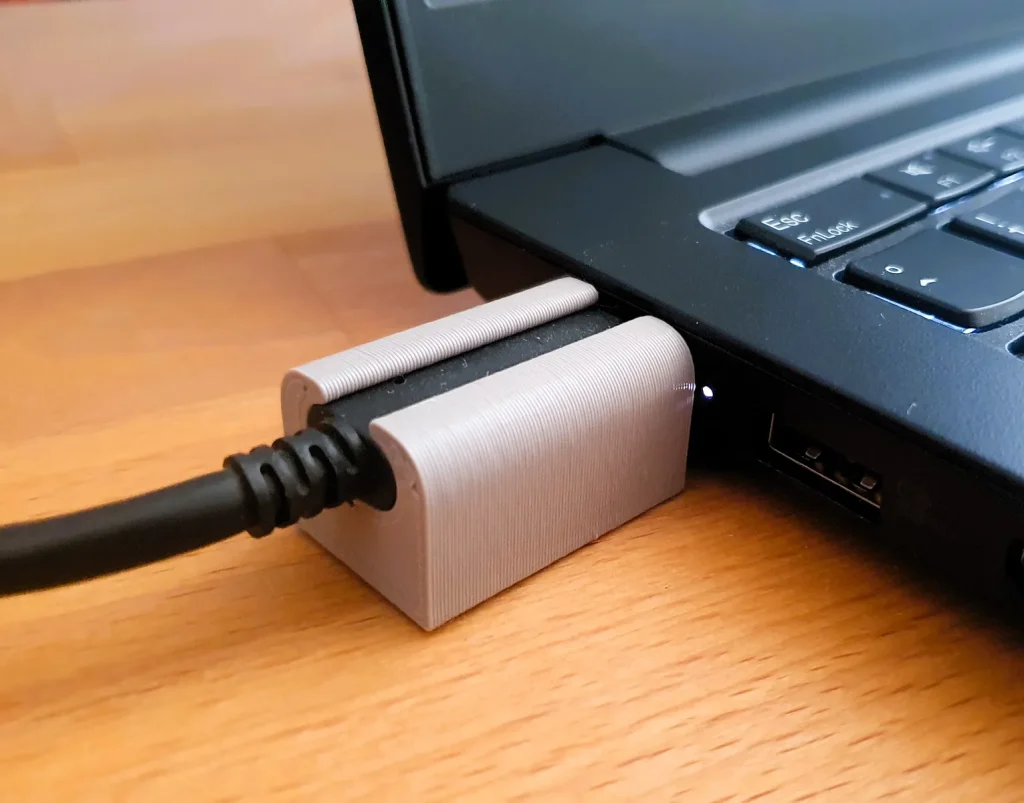
It’s nice that more and more devices have USB-C interfaces. Yet, they are not without their particularities:
- Not all chargers / cables are the same. They support different volts and amps, so, to support the fastest charging possible for your device (phone / laptop / tablet), make sure to select the right one.
- In particular I was surprised that my phone wasn’t “fast charging” with several different laptop chargers I tried. Turns out (with the help of an USB voltage analyzer) that they were delivering 2 Amps at 9V and my phone was expecting 3 Amps for fast charging. Those (Dell / HP) laptop chargers were plenty powerful to deliver the total watts at higher voltages, but I guess 9V just wasn’t their priority.
- Quick tip if you don’t want to poke around with USB analyzers for finding a good charger: look for something that has “fast charger” in the name and then test it with your equipment (hopefully you can still send it back if it doesn’t work for you). I had good experiences with the Fairphone chargers and with the UGreen chargers / cables.
- USB-C is seemingly symmetric (ie. you can plug it in both ways and “it works”). That said, some cheap products / cables only implement half of the connections, so if something is not working, try rotating the cable 180° (↺) and see if that works.
- That said, dust/lint buildup can also be a problem, here is a page on the iFixit forums discussing how to clean the ports.
- You can have “USB-C” products which don’t work / don’t charge unless a USB-A to C cable is used (so they don’t work with a USB-C laptop charger for example for a USB-C to C cable). What’s that about?
- USB-A always delivers a small amount of current at 5V when something gets plugged in (and then the device / source can negotiate higher voltages / amps if supported). USB-C in turn doesn’t output anything though, unless the consumer has some specific resistors. The “USB-C” (and I put USB-C in quotes here, since they can’t really claim to be an USB-C equipment, since they don’t conform to the spec) gadgets which only work with the A-to-C cables are missing these resistors, most probably because the manufacturer wanted to save a couple of cents (I’ve only seen this on cheap devices). Not much that can be done here, other than using the A-to-C cables 1
Happy charging!
Photo taken from Andreas G with permission.
- Yes, theoretically we could add the resistors if we have the time / equipment. Also, theoretically it would be easy to make some adapters / cables that have the resistors in them – I’m surprised that I haven’t seen anything like that. Although, I guess, they have a high risk of being used incorrectly, so maybe it’s better this way. ↩︎